

Download
Crowny for your Mac
The best notch for your MacBook. Free to download; your licence key unlocks it.
Crowny is a Mac app. Open crowny.lol on your Mac.
Recommended
In Terminal
One line, no macOS warning.
- Open Terminal: ⌘ Space, type Terminal, Return.
- Paste this and press Return:
curl -fsSL https://crowny.lol/install | sh - Crowny installs and opens by itself. Paste your key.
The download
By hand
Drag to Applications, allow it once.
- Download, open the DMG, drag Crowny onto Applications.
- Open Crowny. When macOS stops it, choose Done.
- System Settings, Privacy & Security, Open Anyway. Paste your key.
Already have Crowny? Update in one line. Your key and settings stay.
curl -fsSL https://crowny.lol/update | shNo key yet? Buy now, $15 $5
The download, step by step.
This first build is signed but not yet notarised by Apple, so macOS checks with you once. After that it opens like any app. Terminal skips this step.
- 1
Open the DMG
Drag Crowny onto the Applications folder.
- 2
Allow it once
Open Crowny. When macOS stops it, go to System Settings, Privacy & Security, and choose Open Anyway.
- 3
Paste your key
Crowny asks for it on first launch and ties it to this Mac.
- 4
Look up
Crowny lives in your notch. Hover it, or press ⌥Space from anywhere.
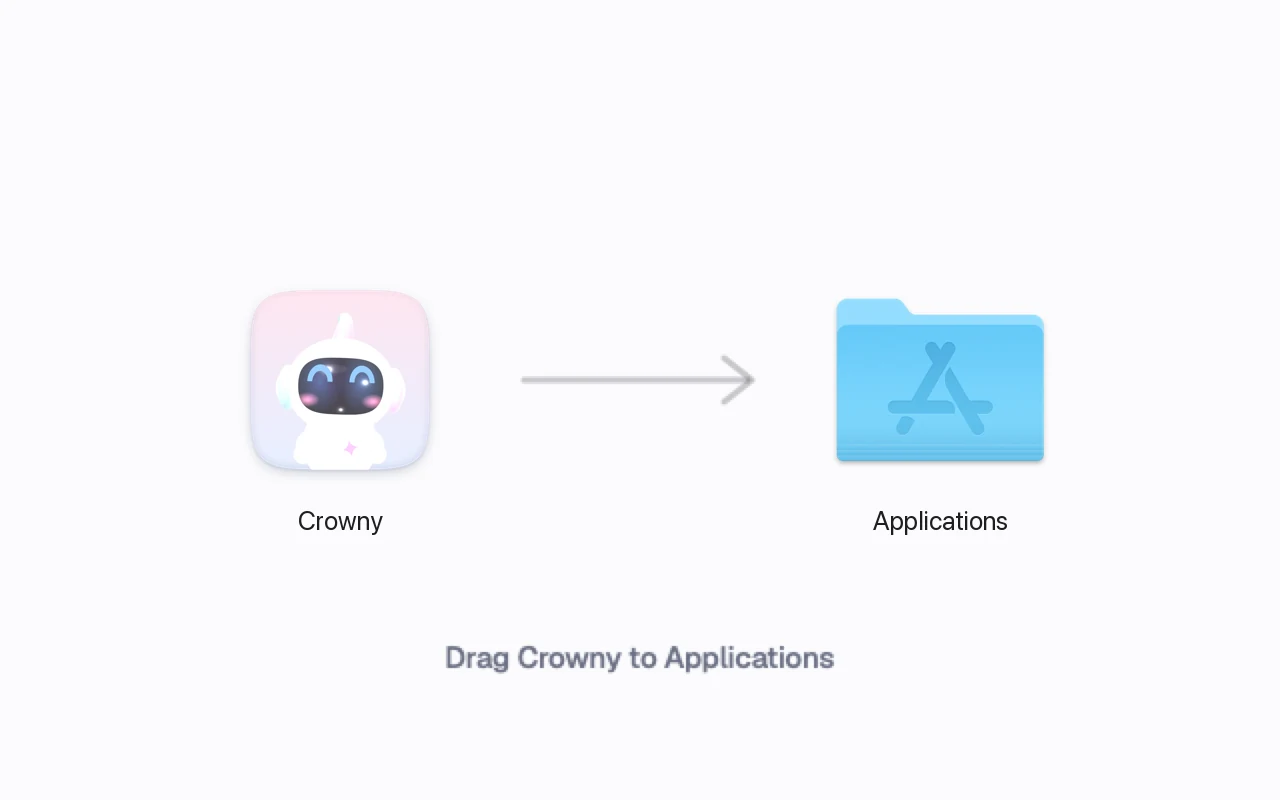
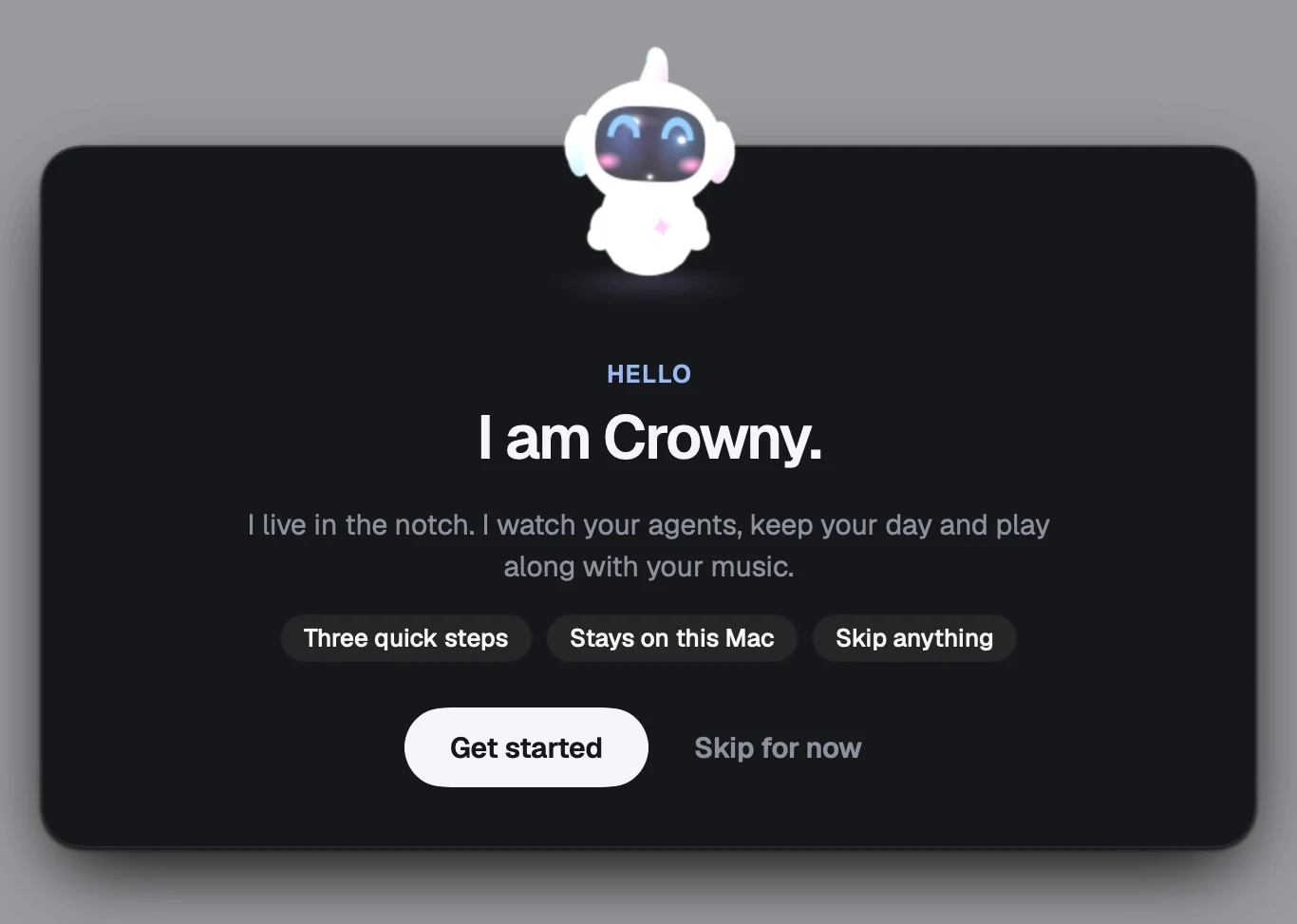
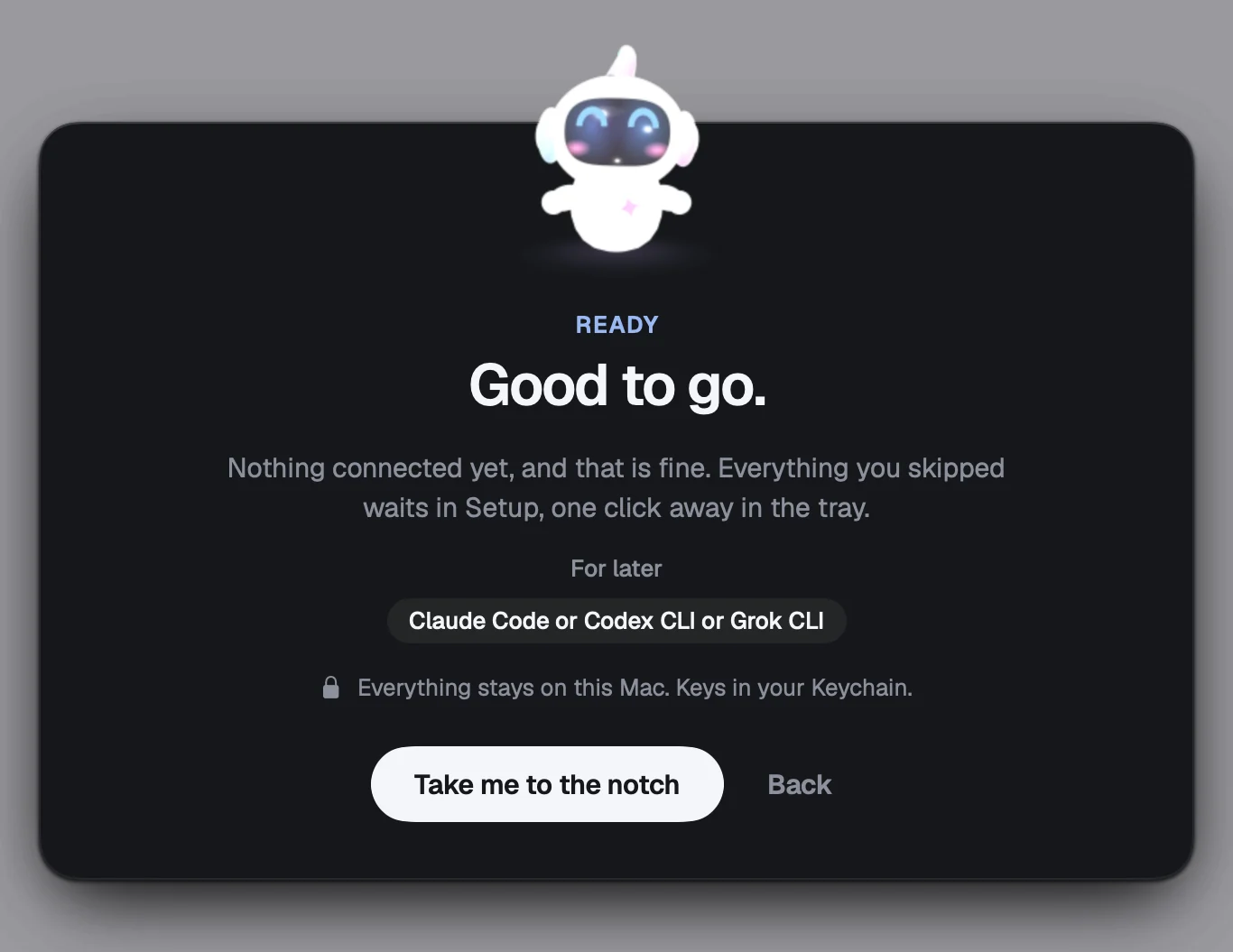
Every step, with pictures, is in the Crowny guide.
New in 0.2.6.
The first Crowny. Your MacBook's notch, finally useful.
Your agents
- Every Claude Code, Codex and Grok session has a face in the notch that shows what it is doing.
- Answer an agent's question, or approve a command, right from the notch.
- A quiet note when a session finishes.
Your day
- Today: your next meeting with one-tap Join, and what comes after.
- Reminders, timers, focus sessions, a stopwatch, alarms and world clocks.
- Weather for your city, with the rain hour by hour.
Fun, and a little care
- Music from Spotify, Apple Music and YouTube, with a live visualiser and Mochi dancing in headphones.
- Snake, Tetris, 2048 and Flappy, right in the notch.
- Water, stand and 20-20-20 eye-break nudges that never interrupt a focus session.
Handy
- Clipboard history and a keyboard picker (Option-Shift-V).
- A file shelf: drop files on the notch, drag them out later.
- Pinned sites, notes in your Obsidian vault, AirPods battery, Home Assistant.
Stuck? Write to amritbx@gmail.com, or message the founder on X, @amrithehe.